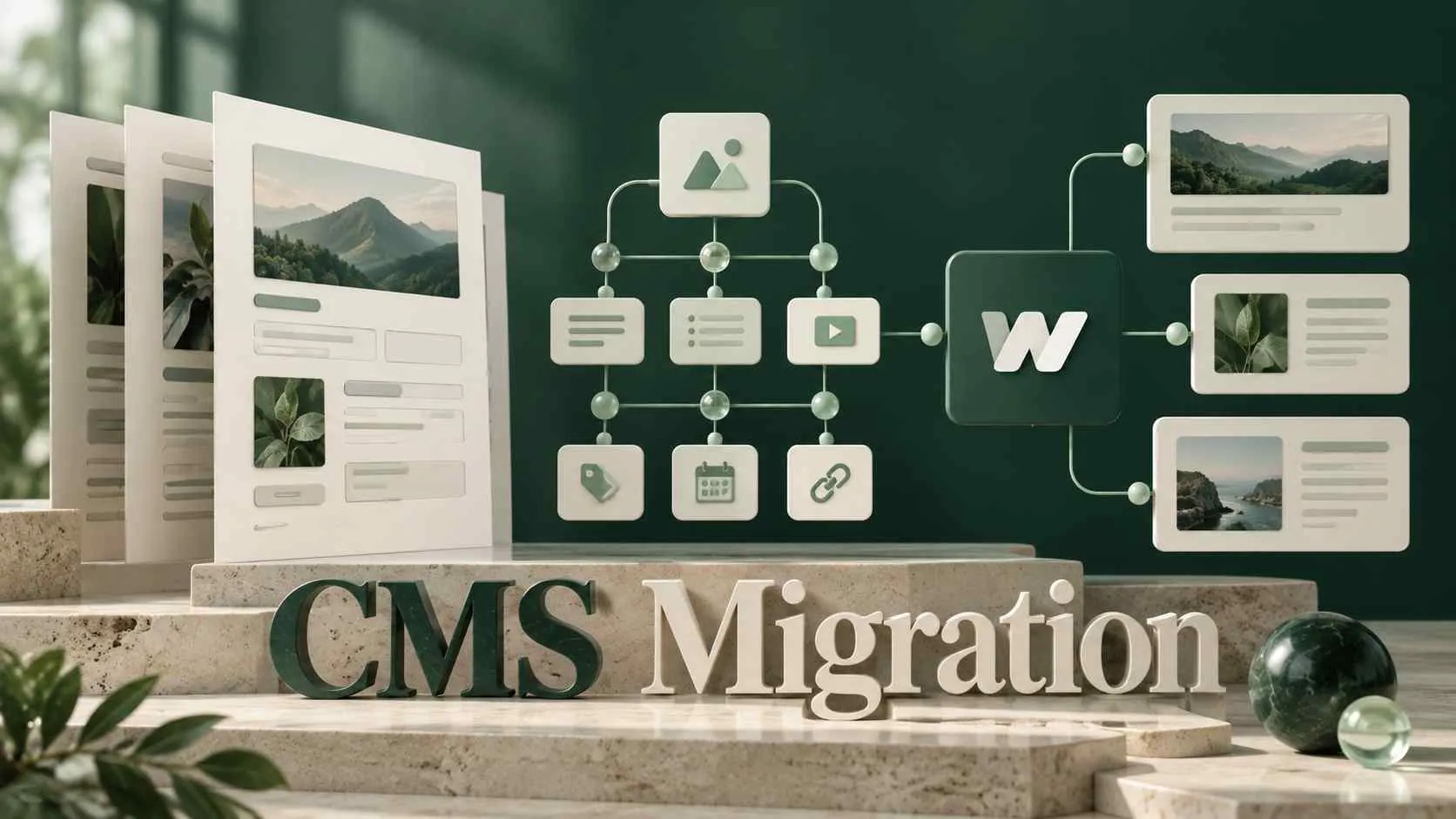
How do you migrate content into Webflow CMS?
Export content from the source system, design the destination collections and fields, transform a sample, and test an import before moving the full dataset. Validate slugs, references, rich text, images and SEO fields on published pages. An import that reports success still needs content and relationship checks.
Design collections around the content model
List each content type: articles, authors, categories, locations, services or case studies. Map source fields to Webflow fields and record whether a value is required, optional or derived. Decide which relationships need references or multi-references. Verify the current Site plan and CMS import limits before committing to a model; do not assume every source field can be imported unchanged.
Clean rich text without losing useful content
Review headings, tables, inline styles, embeds and builder-specific markup. WordPress shortcodes and plugin blocks may need conversion or replacement. Preserve meaningful text and links rather than importing broken presentation code. Use a representative sample containing older posts and unusual content, not only the newest, cleanest article.
Preserve slugs, images and metadata
Keep source identifiers in your working migration sheet so records can be reconciled. Record the original URL and intended destination for every public item. Map titles, descriptions and image alternative text deliberately. Confirm imported images actually load from their intended destination and are not dependent on hosting that will be cancelled. Review filenames and image sizes before bulk import.
Import dependencies in a controlled order
Test the destination schema with a small batch. Create referenced records such as authors and categories before importing dependent content where the chosen workflow requires it. Document how references will be matched and how duplicate names are handled. Reconcile expected and imported item counts, then inspect the rendered templates for missing relationships or unpublished records.
What makes a CMS migration ready to launch?
Check sample records from every content type, including long titles, missing optional fields and multiple categories. Compare original and destination body content, images, links and metadata. Test pagination, filtered lists and site search if present. Verify old content URLs resolve correctly and update internal links. Agree on a content freeze or a final delta import so edits made during the build are not lost.
Continue planning your migration
- Webflow migration cost: what determines your quote
- Webflow migration SEO: protect URLs, content and indexing
- WordPress to Webflow migration: a practical step-by-step guide
- Pre-launch migration checklist
- Free redirect map generator
Reference documentation
Google Search Central: site moves with URL changes
Webflow Help Center: check current CMS, import and hosting requirements